Deploy applications on Akash Network using the web-based Akash Console—no CLI required!
Akash Console is a user-friendly web interface that lets you deploy, manage, and monitor your applications on Akash Network without needing to use command-line tools.
What is Akash Console?
Akash Console is a web-based deployment platform that provides:
- Visual SDL Editor - Build your deployment configuration with a visual interface
- One-Click Deployments - Deploy applications in minutes
- Deployment Management - View, update, and manage all your deployments
- Real-Time Monitoring - Monitor your deployments’ status and logs
- Managed Wallet or Bring Your Own - Start with free trial credits or connect your wallet
- No CLI Required - Everything you need in your browser
Getting Started
Step 1: Access Akash Console
Visit console.akash.network in your web browser.
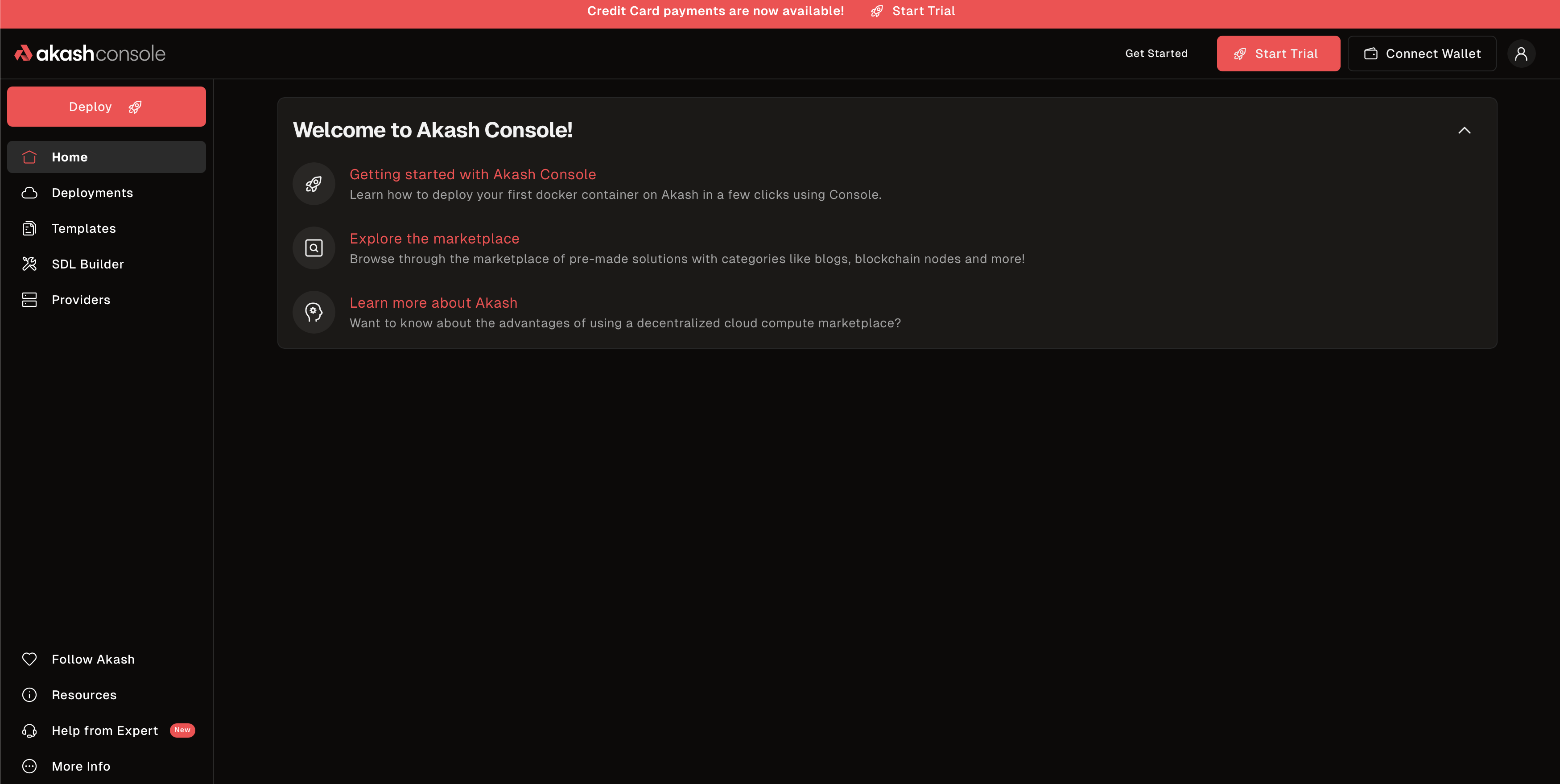 Akash Console homepage - Start with free trial or connect your own wallet
Step 2: Sign Up for Free Trial
- Click “Start Free Trial” or “Get Started”
- Enter your email address
- Add a credit card (for verification and pay-as-you-go after trial)
- Receive $100 in free trial credits
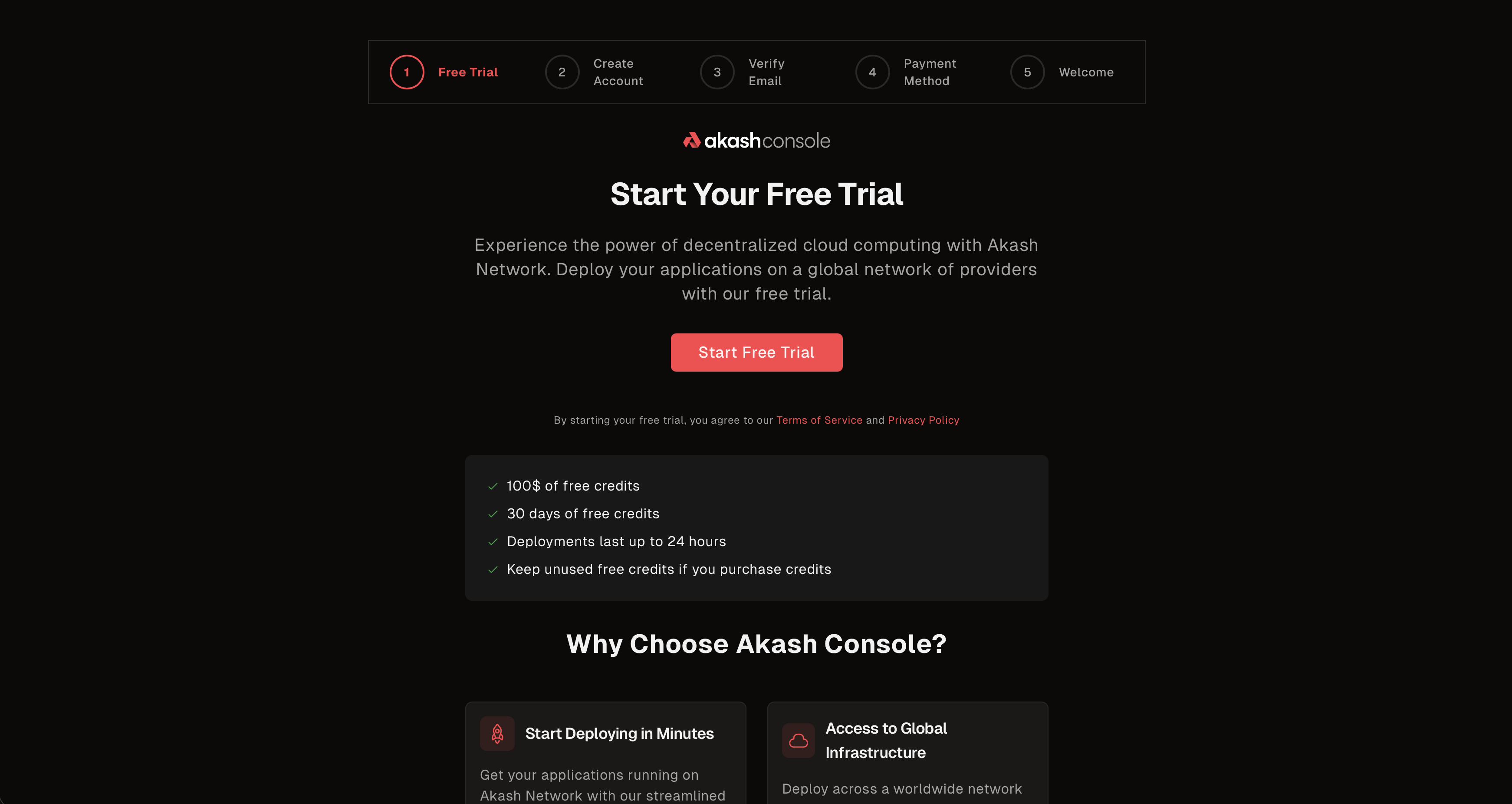 Sign up with email and credit card to receive $100 in trial credits
Note: Trial deployments have a 24-hour limit. For longer deployments, use your own wallet or add payment method.
Step 3: Explore Your Dashboard
After signing up, you’ll see your Console dashboard with:
- Trial Status - $100.00 in credits with 30 days remaining
- Setup Progress - Track completion of onboarding steps
- Featured Templates - Quick-deploy options like Hello Akash, ComfyUI, and Llama-3.1-8b
- One-Click Deploy - Launch your first app in seconds
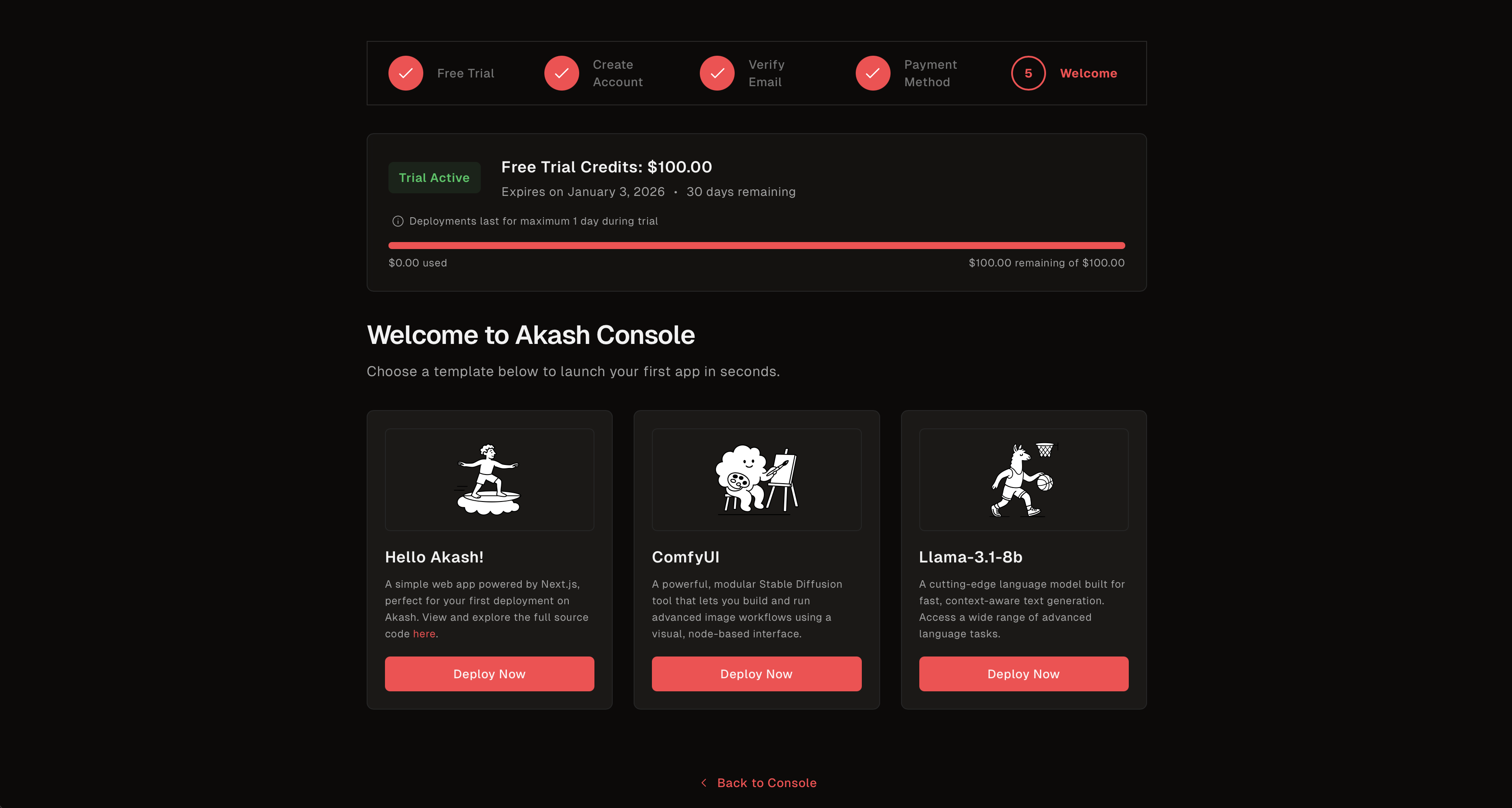 Console dashboard showing trial credits, setup progress, and featured templates ready to deploy
Key Features
Visual SDL Builder
Build your deployment configuration visually without writing YAML:
- Service Configuration - Add services, set images, configure ports
- Resource Allocation - Set CPU, memory, and storage requirements
- Network Settings - Configure exposed ports and endpoints
- Environment Variables - Add environment variables to your containers
- Pricing - Set maximum bid prices
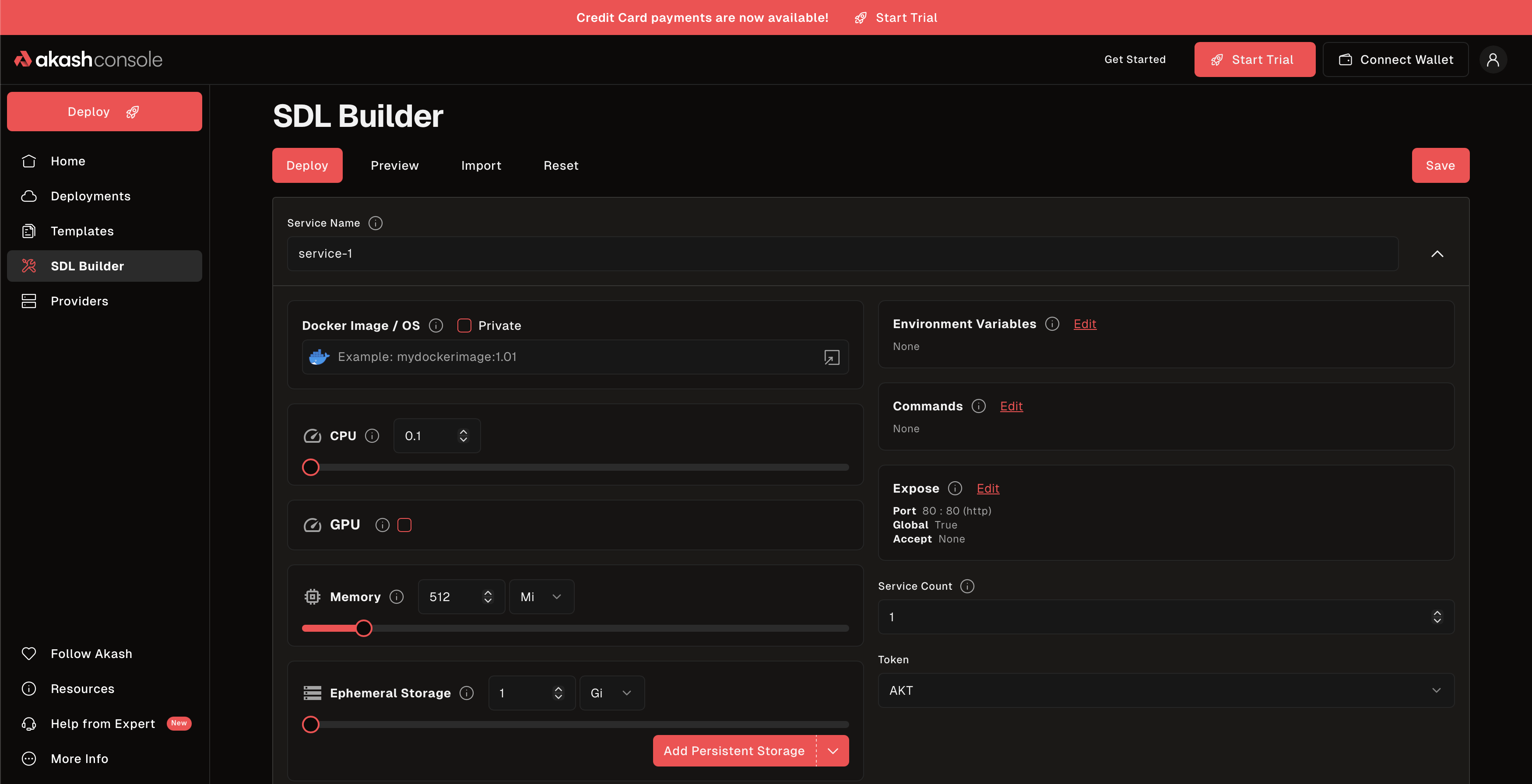 Visual SDL Builder - configure your deployment using a form-based interface
Pre-Built Templates
Browse 290+ ready-to-deploy application templates:
- AI/ML Models - Stable Diffusion, LLMs, Ollama, Open WebUI
- Databases - PostgreSQL, MongoDB, Redis, MySQL
- Web Servers - Nginx, Apache, Caddy
- Development Tools - Jupyter, VS Code Server
- And much more…
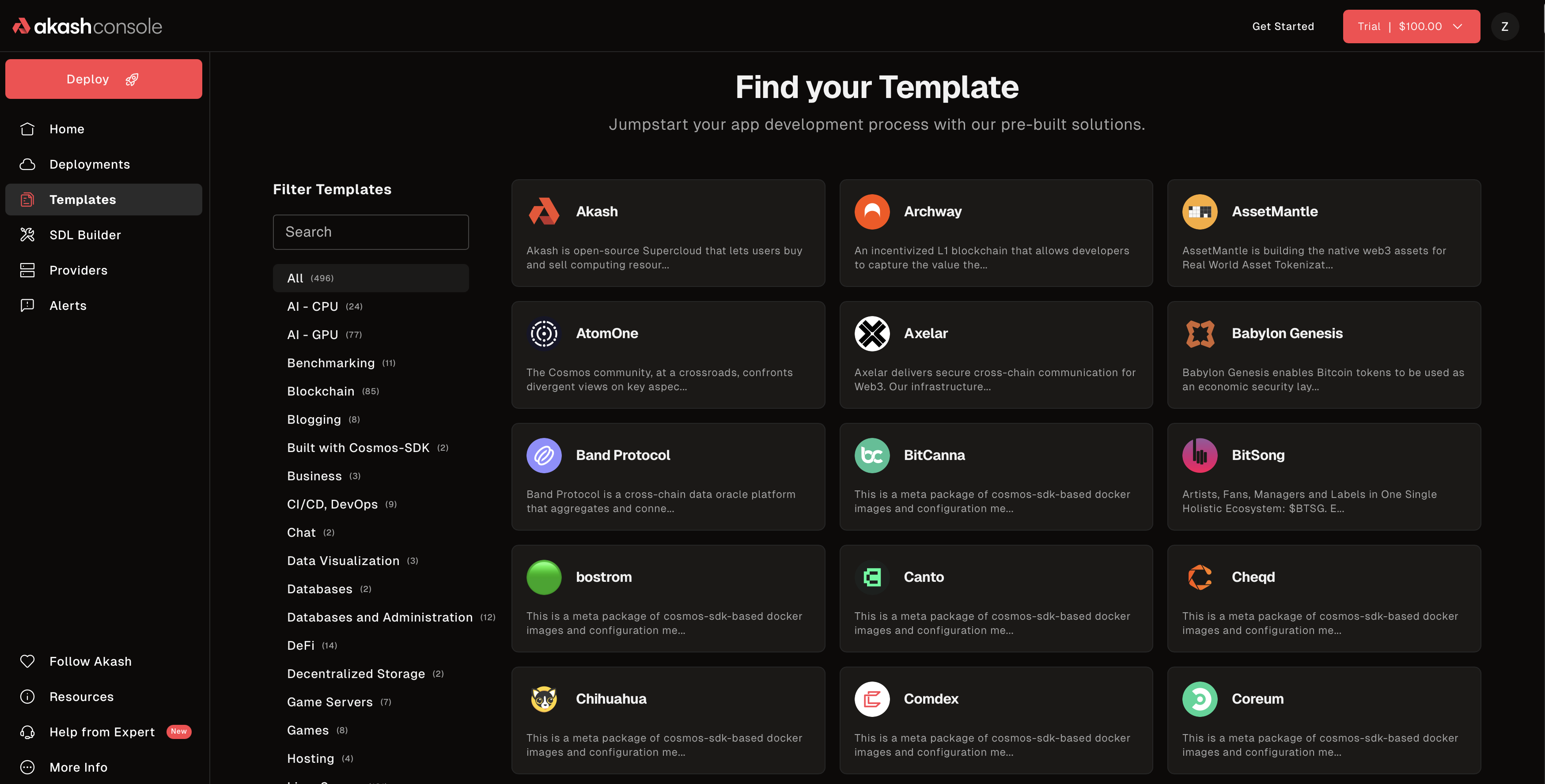 Browse pre-built templates for common applications
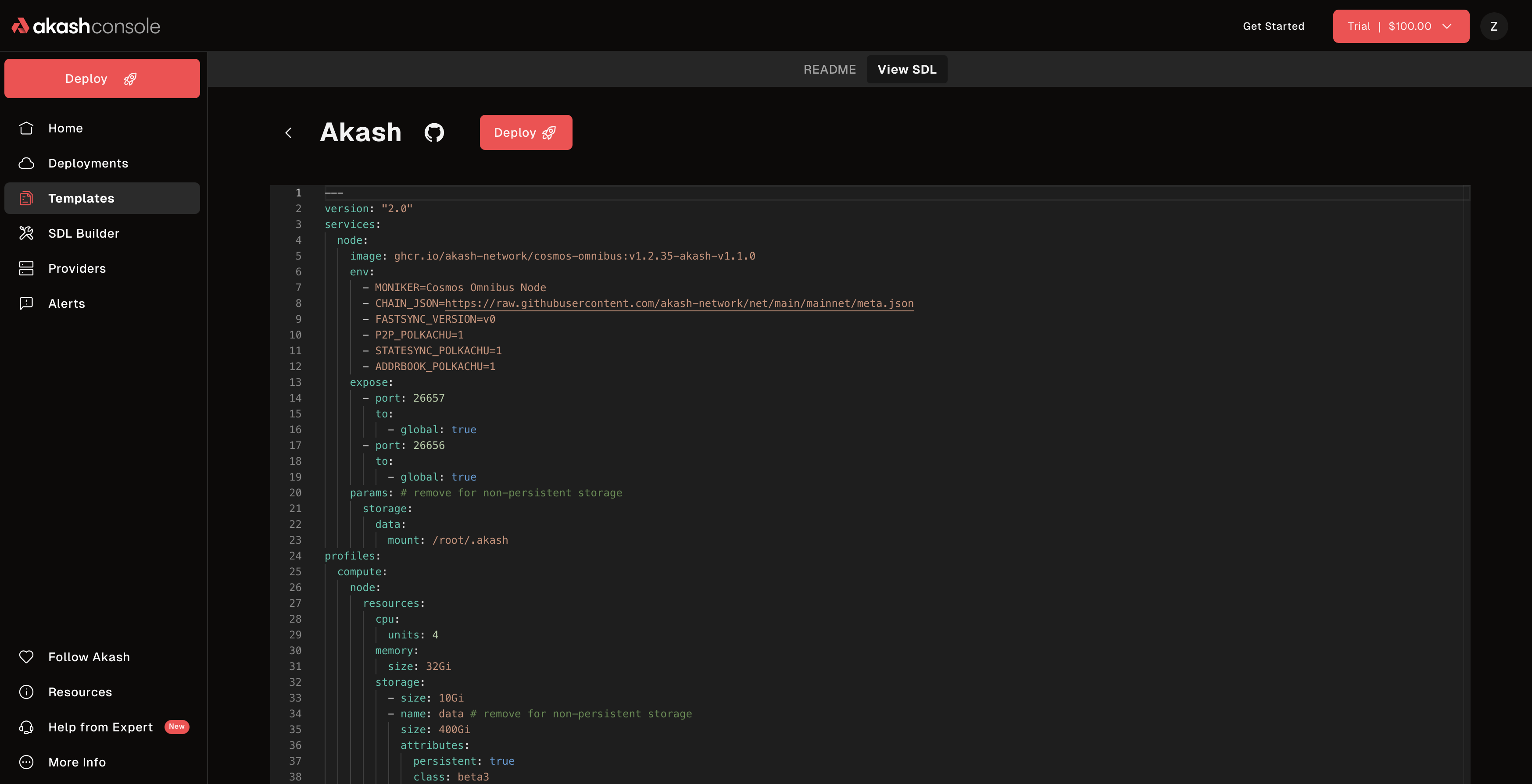 View template details and deploy with one click
Deployment Dashboard
Monitor and manage all your deployments:
- Active Deployments - See all running deployments
- Deployment Status - Real-time status updates
- Logs - View container logs directly in the console
- Events - Monitor deployment events and shell access
- URLs - Access your deployed applications
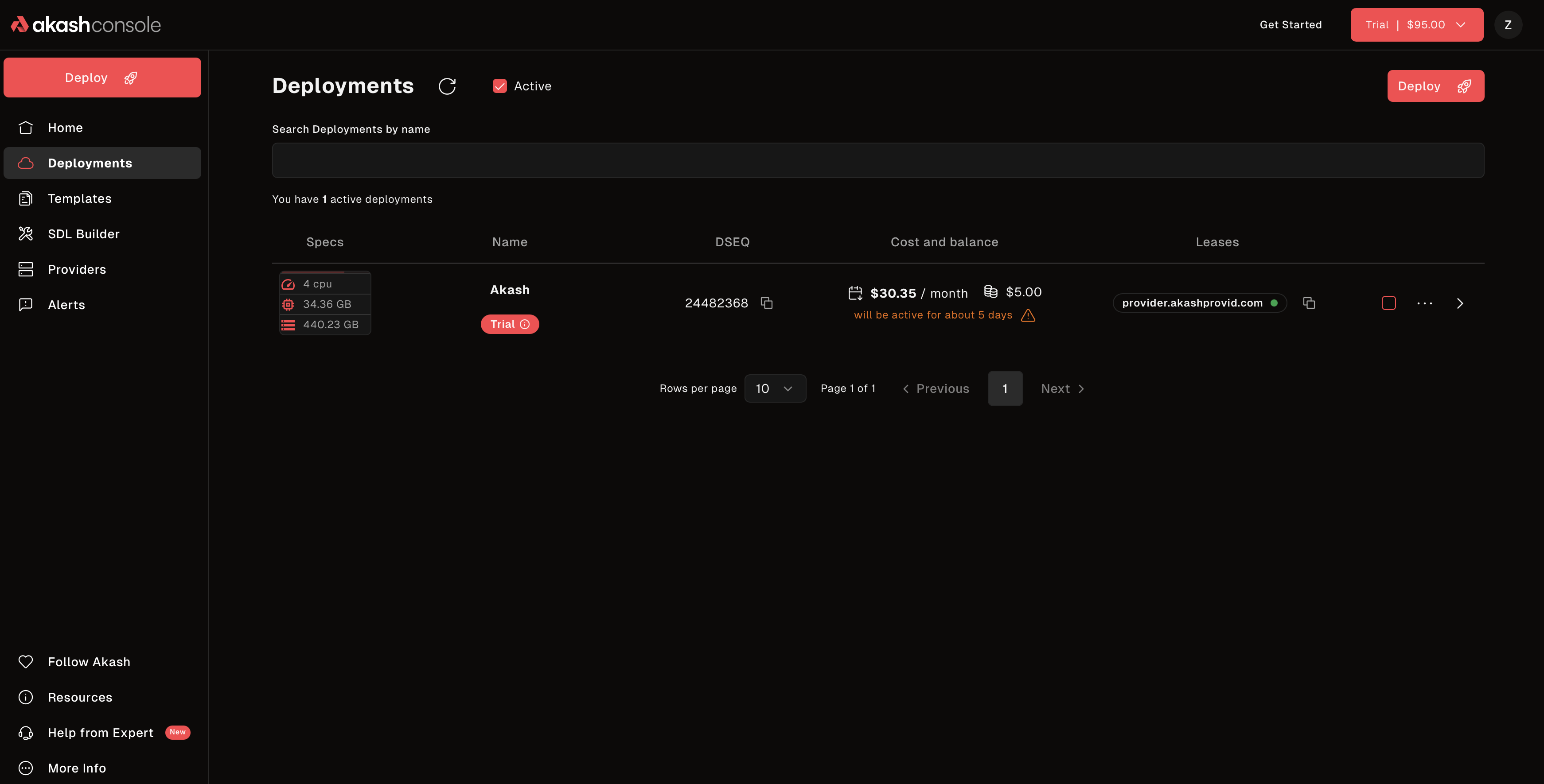 Manage all your deployments from a single dashboard
Quick Example: Deploy a Web App
Step-by-Step Deployment Flow
1. Configure Your Deployment
Use the SDL Builder or choose a template, then customize your configuration:
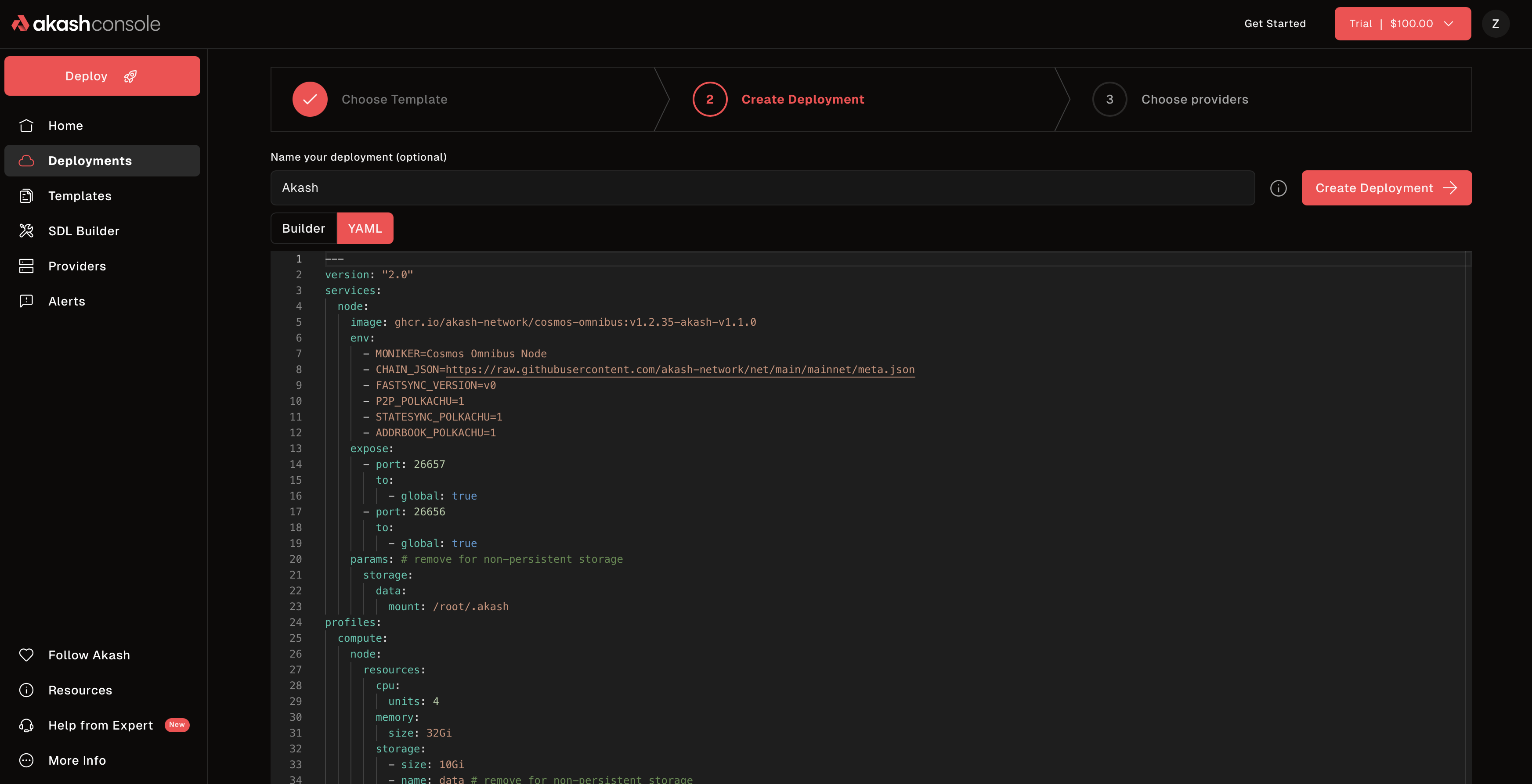 Configure your deployment with SDL or use the visual builder
2. Set Deposit Amount
Set the initial deposit for your deployment:
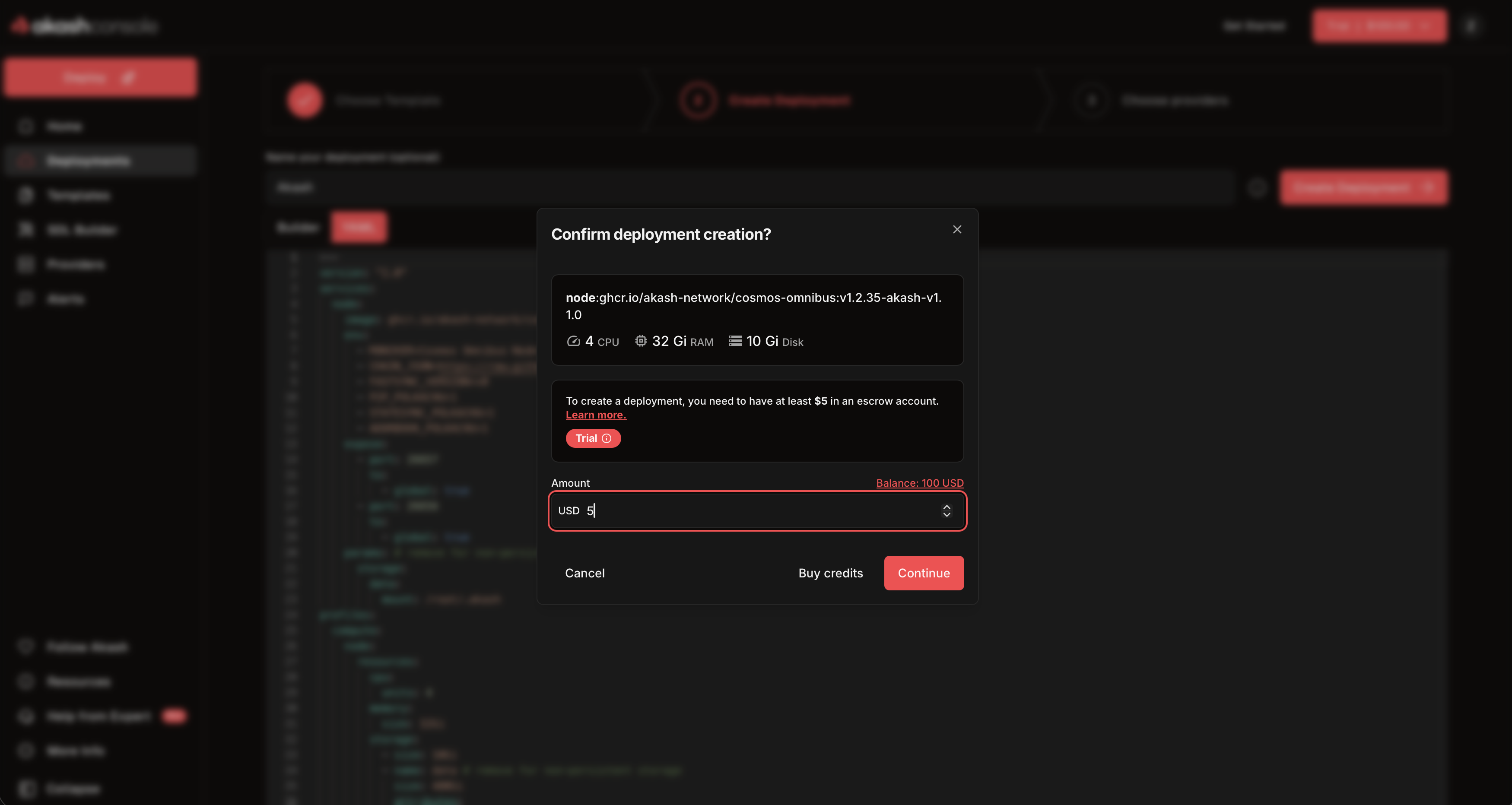 Set your deposit amount - this is held in escrow (ACT) and refunded when you close the deployment
The deposit (in ACT):
- Is held in escrow to pay for your deployment; create deployments with ACT only (or AKT when circuit breaker is in effect)
- Gets refunded when you close the deployment
- You can top up with ACT (or AKT when circuit breaker is active) if running low
3. Select a Provider Bid
After creating the deployment, providers will submit bids. Choose one based on:
- Price - Cost per month
- Location - Geographic region
- Attributes - Features and certifications
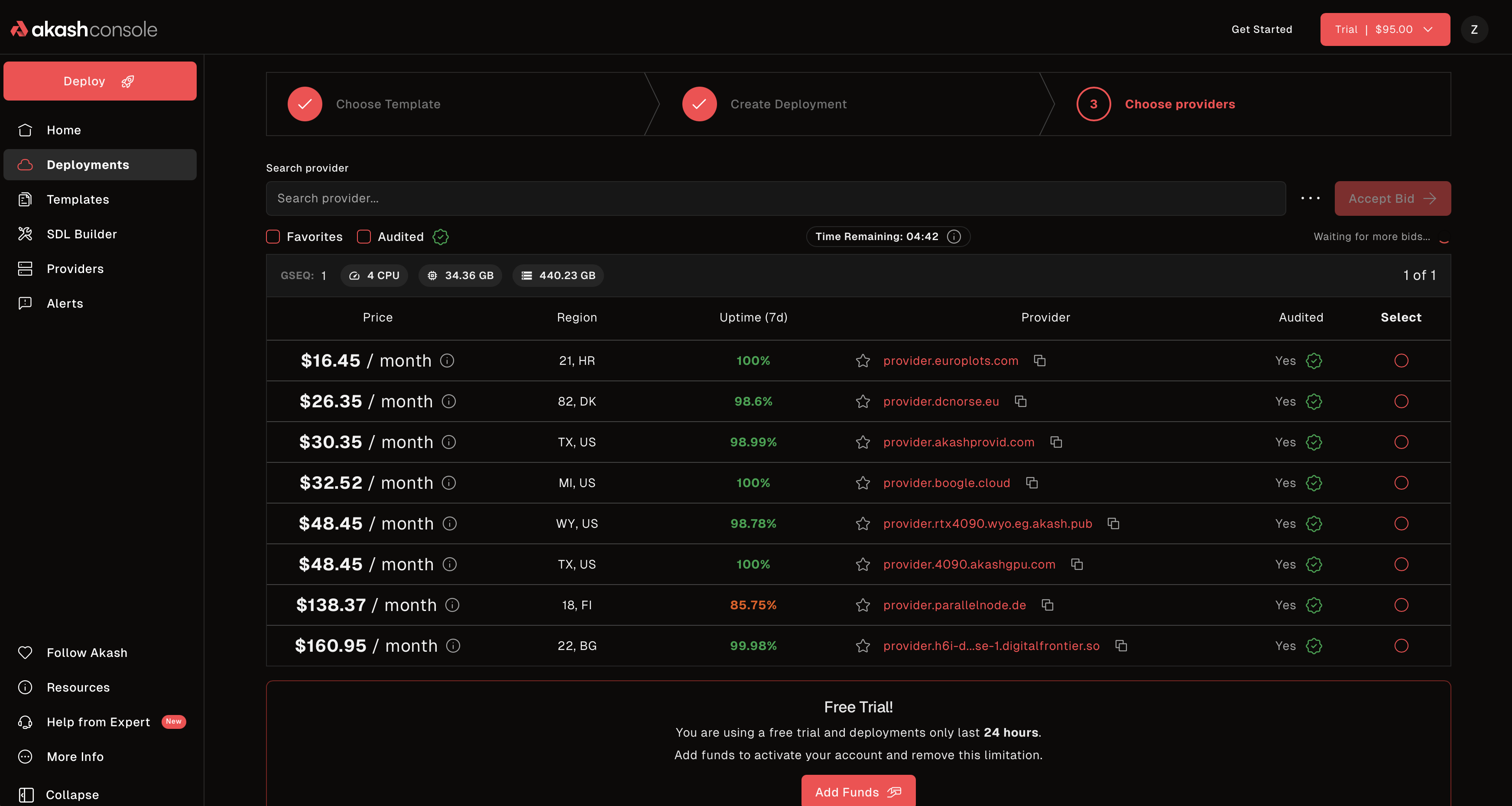 Review and accept provider bids for your deployment
4. Access Your Running Deployment
Once the bid is accepted, your deployment will start running:
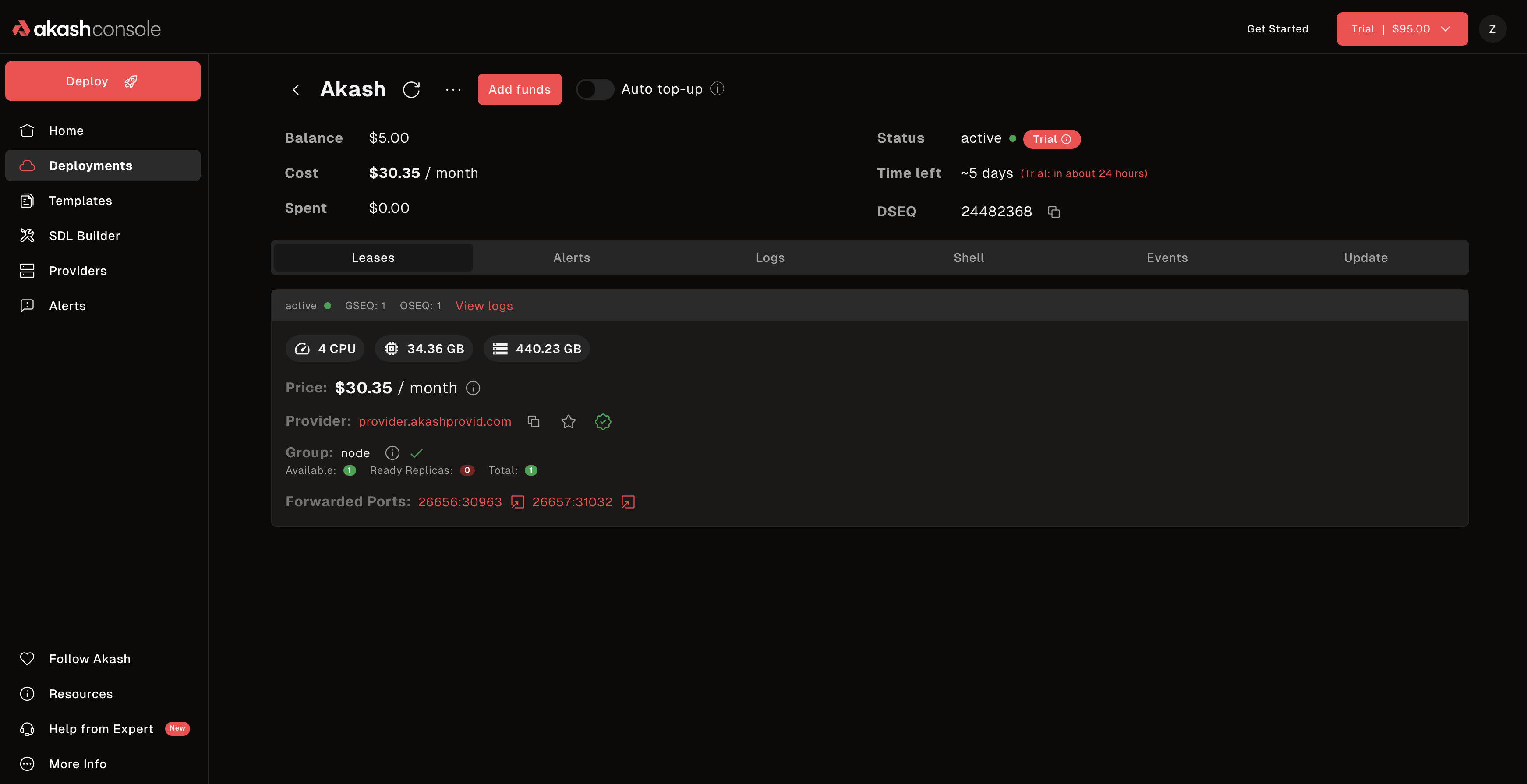 Your deployment is live with URLs and status information
You’ll see:
- Live URLs - Access your application
- Status - Real-time deployment state
- Cost Tracking - Current spending
- Management Controls - Update, logs, close
Console vs CLI
When to Use Console
Use Console if you:
- Prefer visual interfaces over terminal commands
- Are new to Akash and want guided setup
- Want quick deployments with pre-built templates
- Need to manage multiple deployments with a dashboard view
- Want to try Akash with free trial credits
- Prefer browsing provider bids visually
When to Use CLI
Use CLI if you:
- Need automation and scripting for deployments
- Want CI/CD pipeline integration
- Prefer command-line workflows
- Need advanced features like AuthZ delegation
- Want direct blockchain control without GUI
- Are building tooling on top of Akash
Both work together! Deployments created in Console can be managed via CLI, and vice versa. Use whichever tool fits your workflow best.
Common Tasks
View Deployment Logs
Monitor your application’s output in real-time:
- Go to “Deployments” in the sidebar
- Click on your deployment
- Navigate to “Logs” tab
- View real-time container logs
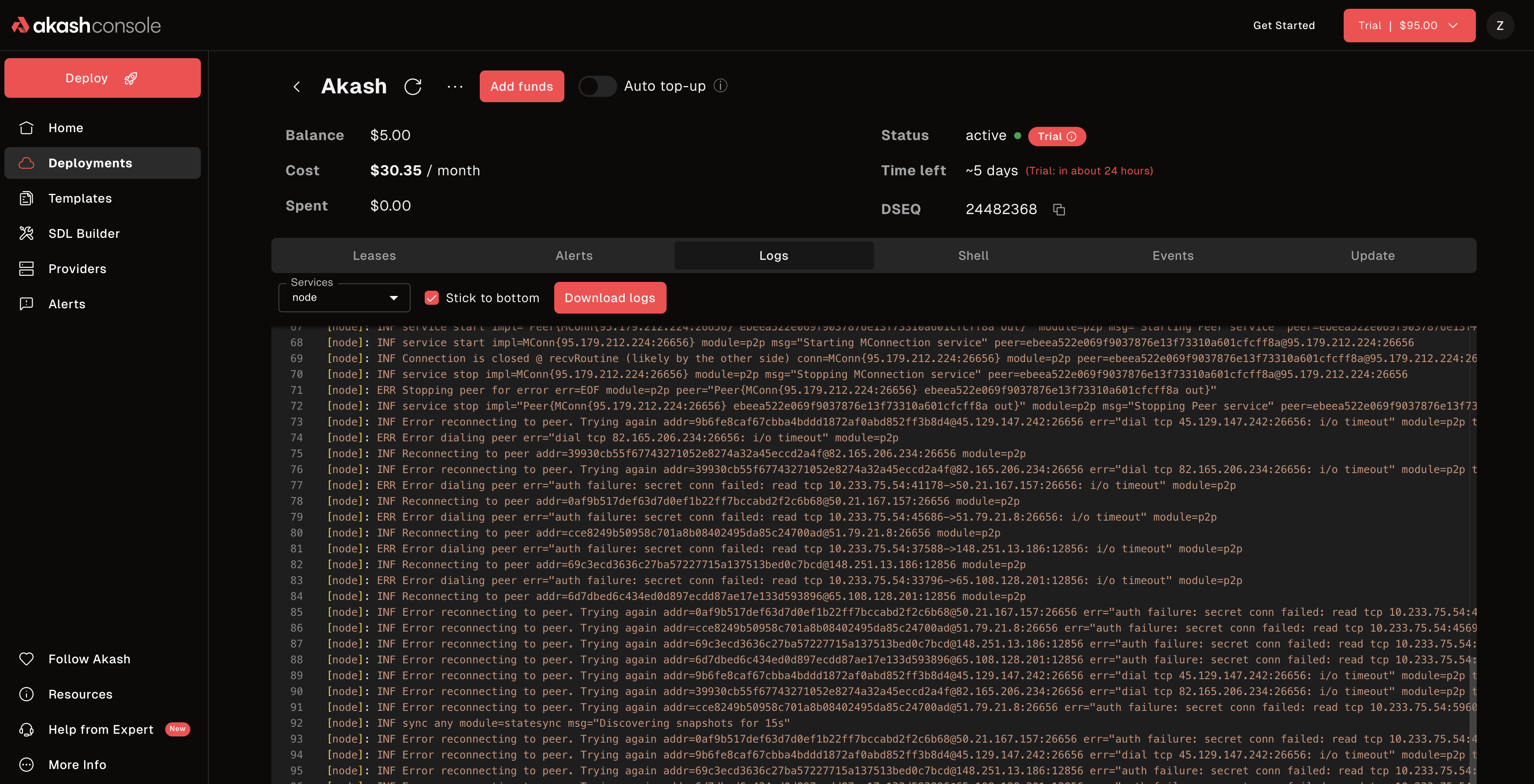 View real-time logs from your running containers
Monitor Events and Shell Access
Access deployment events and shell terminal:
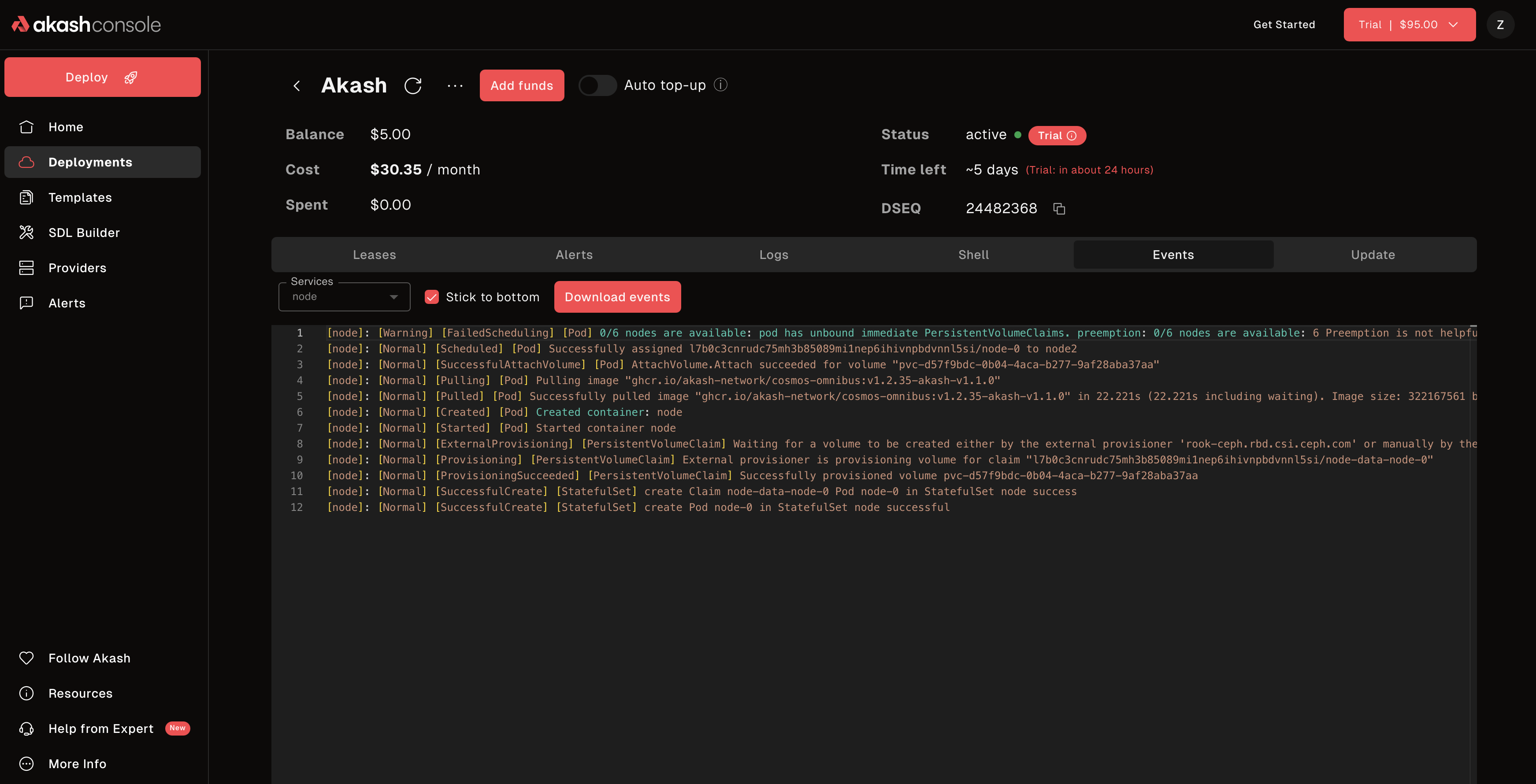 View deployment events and access shell terminal
Update a Deployment
Modify your running deployment without downtime:
- Select your deployment
- Click “Edit” or “Update”
- Modify your SDL or configuration
- Click “Update Deployment”
- Changes will be applied to your running deployment
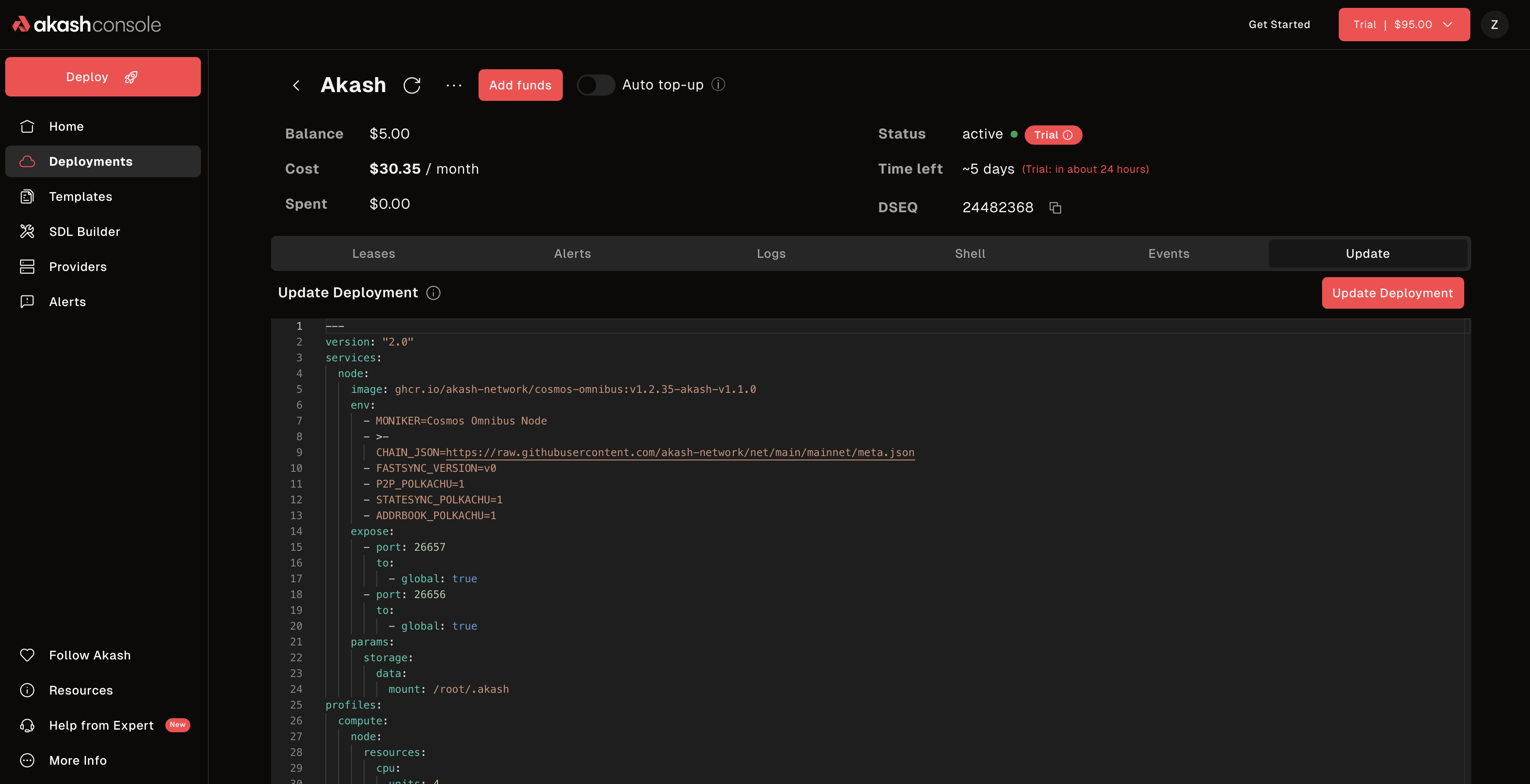 Update your deployment configuration on the fly
Note: Existing containers continue running until the new version is ready.
Close a Deployment
Stop your deployment and reclaim your deposit:
- Select your deployment
- Click “Close” or “Stop”
- Confirm the action
- Your deployment will stop and remaining escrow (ACT) will be refunded
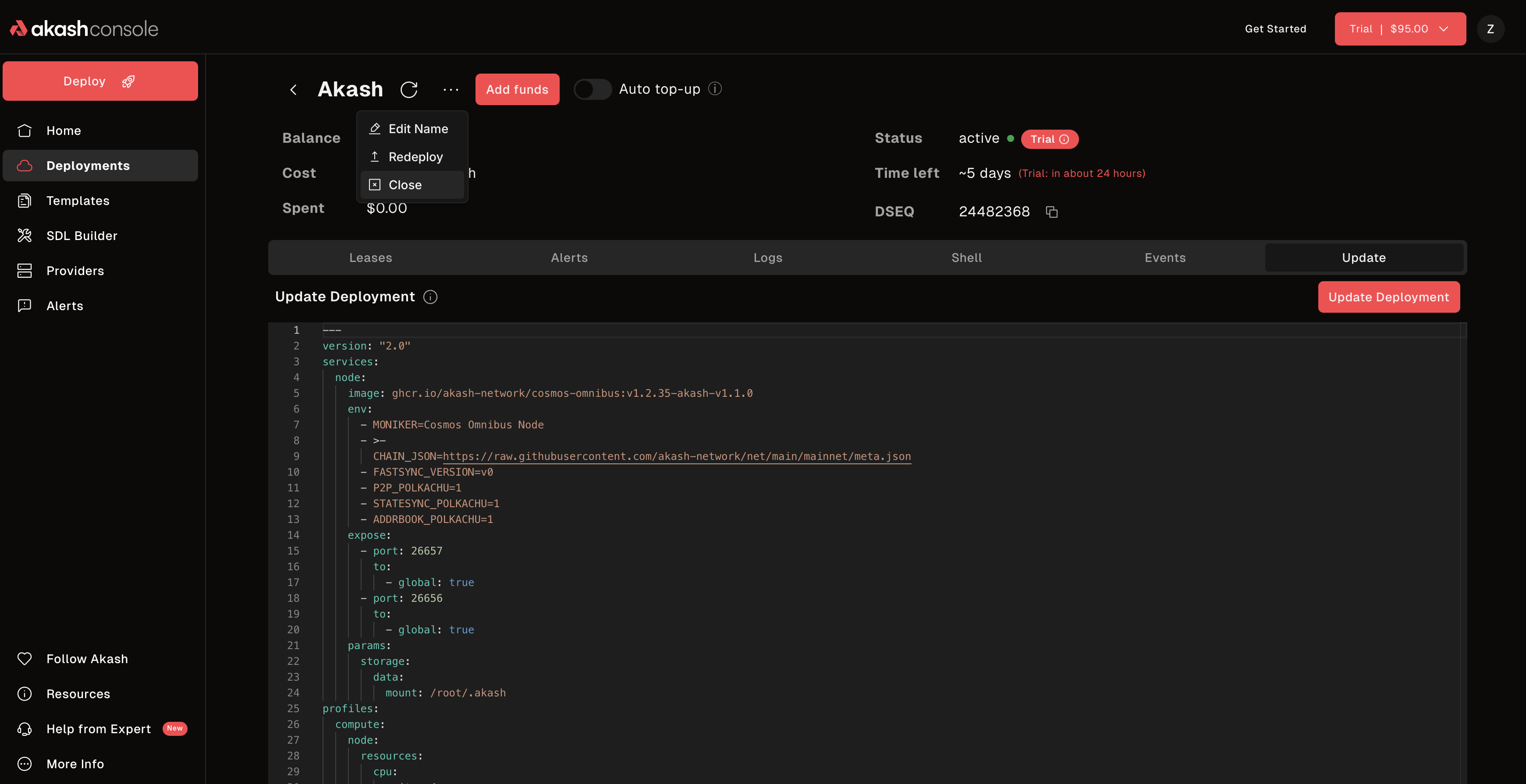 Confirm deployment closure and reclaim your deposit
 Deployment successfully closed
Manage Billing and Credits
View your trial credits and add payment methods (credits are in ACT):
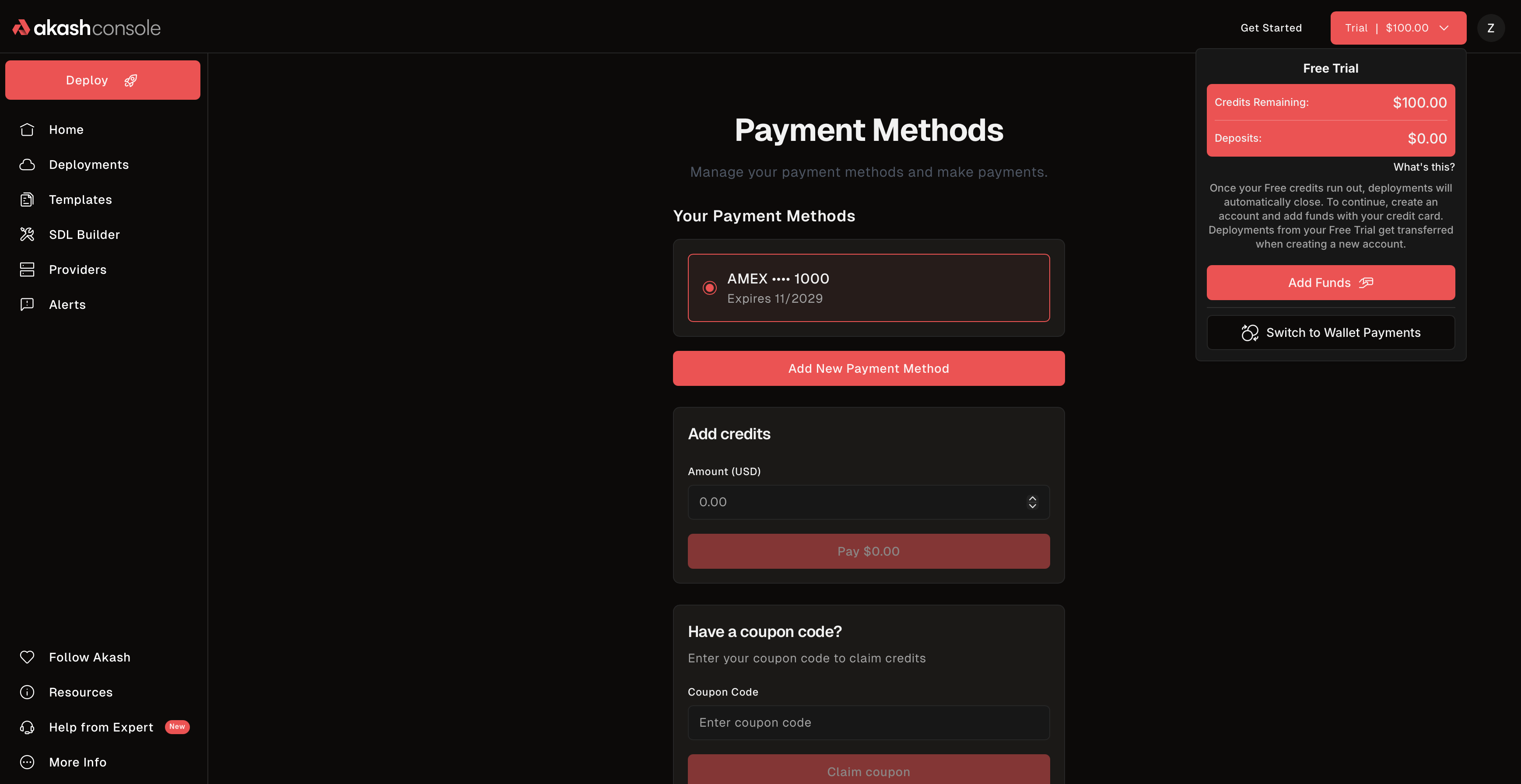 Manage your trial credits, payment methods, and billing
You can:
- Check remaining trial credits (ACT)
- Add or update credit card (funds ACT)
- View spending history
- Convert to pay-as-you-go after trial expires
Next Steps
- Using Console with Your Wallet - Connect your own wallet for unlimited deployments
- Console API - Programmatic deployments with REST API
- SDL Examples Library - 290+ deployment examples for all application types
- SDL Reference - Deep dive into Stack Definition Language
- CLI Documentation - Learn command-line deployment
Need Help?
- Console Support: GitHub Support
- Discord: discord.akash.network
- Documentation: Browse the full docs
Ready to deploy? Visit console.akash.network and create your first deployment!